Is Temu Down? How to Tell a Site Outage From an Account Issue
By Stash by TipidNation · August 16, 2026 · 5 min read
Short answer: most of the time, “Temu is down” turns out to be one account, one device, or one network having a bad moment, not the platform itself failing. A real outage looks different from an account issue in a few specific ways, and it’s worth checking those before assuming the whole site is broken.
Start With What Actually Failed
Before troubleshooting anything, narrow down what specifically stopped working. Did the app crash outright, or does it open but a category page won’t load? Does the website return an error, or does it load fine except checkout? A total outage tends to fail the same way everywhere, on every page, for every action. An account issue is usually narrower: one feature breaks while the rest of the app or site behaves normally, which is the first real clue about where the problem actually sits.
Signs of a Genuine Outage
A real platform-wide outage tends to show a handful of consistent symptoms at once: the app and the website both fail, error messages reference server or connection problems rather than your account, and the failure is immediate rather than intermittent. If a search on social media turns up other shoppers reporting the identical symptom at the identical time, that’s a stronger signal than any single account’s experience. Genuine outages are also usually short, most resolve within an hour or two, since a marketplace at Temu’s scale has a strong incentive to fix a broad failure fast.
Signs It’s Actually Your Account
Login loops, a cart that won’t save items, or a single payment method that keeps failing while others work are account-level symptoms, not platform ones. So is a problem that only happens in the app but not the browser, or vice versa, since that points to something local to that specific build or session rather than Temu’s backend. A stuck session token or an out-of-date app version causes a lot of what gets reported as “the site is down” when the platform is actually running fine for everyone else.
Where the Confusion Usually Starts
Part of why this is hard to diagnose from the outside is that the symptoms can look identical from a shopper’s seat: a spinning loader, a blank page, a checkout that won’t submit. It’s the same kind of ambiguity behind a tracking page that reads “No Information Available” instead of showing progress, the visible symptom doesn’t tell you which layer of the system is actually responsible. A cache full of stale data can render just as broken as a real server failure, even though one takes thirty seconds to fix locally and the other doesn’t.
What to Check Before Contacting Support
Restart the app fully rather than just backgrounding it, and clear its cache if the problem persists after a restart. On the website, try a private or incognito window, that skips any corrupted local storage or stuck cookies without touching your account. Switching networks, say from Wi-Fi to mobile data, is a fast way to rule out a router or DNS issue on your end rather than Temu’s. If all of that still fails and the app and website both behave identically broken, that’s the point where it’s reasonable to suspect a real outage and simply wait it out. Traffic spikes during a major sale window can also cause temporary slowdowns that look like an outage but are really just heavier-than-usual load.
Does a Coupon Code Have Anything to Do With It
Not really. A bundle coupon code redeems the same way regardless of whether the rest of the account is having issues, since it’s a checkout-layer mechanic, not a system-health indicator. If code entry is the only thing failing while browsing and checkout otherwise work, that’s a narrow glitch worth a support ticket on its own, not evidence the whole platform is struggling. The same logic applies to most things shoppers assume are broken but turn out to be ordinary and explainable once you look closer.
Questions Worth Answering
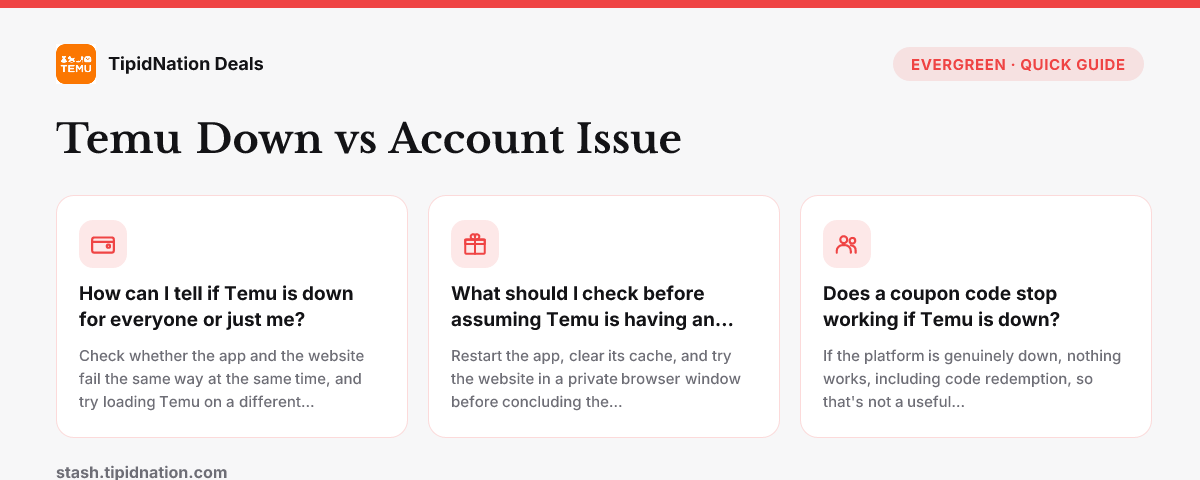
Check whether the app and the website fail the same way at the same time, and try loading Temu on a different network, like mobile data instead of Wi-Fi. If one surface or network works and the other doesn't, the problem is local to your device or account, not a platform-wide outage.
Restart the app, clear its cache, and try the website in a private browser window before concluding the platform itself is down. Most reported "outages" turn out to be a stuck login session or a corrupted local cache rather than something wrong on Temu's end.
If the platform is genuinely down, nothing works, including code redemption, so that's not a useful diagnostic on its own. If only the code field is misbehaving while browsing and checkout work fine elsewhere, that points to a narrower glitch rather than a real outage.
None of this changes what’s currently on offer once things are back to normal, the bundle coupon is still live on the United States country page and every other market Stash covers. If you want the redemption flow spelled out end to end, how Temu coupon codes work covers it, and broader questions beyond outages are answered in the Temu Coupon Code FAQ.