Temu Wishlist and Price Alerts: How They Actually Work
By Stash by TipidNation · October 11, 2026 · 5 min read

Short answer: a Temu wishlist is a saved-items list first, a price-alert tool second, and the two aren’t as tightly linked as the feature’s name suggests. Saving an item keeps it visible; getting notified about a price change depends on a separate trigger that doesn’t fire every time a price actually moves.
What the Wishlist Is Actually For
The wishlist’s core job is simple: it holds items you’ve tapped the heart icon on so you don’t have to re-search for them later. That part works exactly as expected, and it’s also the mechanism behind the handful of promotional nudges Temu sends about saved items, a restock notice, a seller promotion, or a general reminder that something is still sitting there unpurchased. None of that requires a price change to happen. The confusion starts because shoppers assume the list is quietly watching prices in the background the way a dedicated price-tracking browser extension would, when it’s closer to a bookmark folder with occasional nudges attached.
What Actually Triggers a Price Alert
A price-drop notification fires off a specific signal: the listing’s displayed price crossing below what it was the last time the system checked it, by a margin big enough to register as notification-worthy. That’s a narrower bar than “the item got cheaper in some sense.” A small markdown, a short-lived flash discount, or a price change that’s offset by a shifted reference price can all fail to trip the alert even though something on the listing page did move. The same reference-price mechanics that make a “price dropped” badge worth double-checking are exactly what can make a wishlist alert go quiet on an item that looks different than it did last week.
Why the App and the Web Can Disagree
A wishlist alert on the app doesn’t always match what a browser tab shows for the same item, because the two surfaces don’t necessarily read the current price from the same place at the same moment. That’s not a bug specific to the wishlist feature, it’s the broader app-versus-website price gap showing up in a new spot. If a notification claims a drop that a quick manual check doesn’t confirm, checking the other surface before assuming the alert was wrong is worth the extra few seconds.
Notification Settings Matter More Than People Expect
A silent wishlist is often a settings problem rather than a feature failure. Push notifications have to be enabled at the device level and inside the app itself, and either one being off means price-drop alerts never reach you even on items that genuinely did get cheaper. This is worth ruling out before assuming the feature isn’t working at all, the same way checking what’s already applied is the first step when a coupon code looks like it isn’t working rather than assuming the code itself is broken.
When Alerts Are Worth Trusting Most
Wishlist alerts are most reliable during ordinary weeks, when prices move for genuine reasons rather than event-driven staging. Around a major, dated sale window, prices get adjusted more aggressively and more often, which means both more real drops and more reference-price noise competing for the same notification. Checking where a date sits on Temu’s recurring sale calendar before trusting an alert at face value helps separate a genuine early markdown from a reset timed to make an upcoming event, like the Black Friday sale window, look bigger than it actually is.
The Habit Worth Keeping
Use the wishlist for what it’s good at, keeping track of items you don’t want to lose, and treat any alert it sends as a reason to go check the listing yourself rather than a final verdict on the price. A thirty-second manual look, especially in the days around a named sale, catches what a notification sometimes misses.
Questions Worth Answering
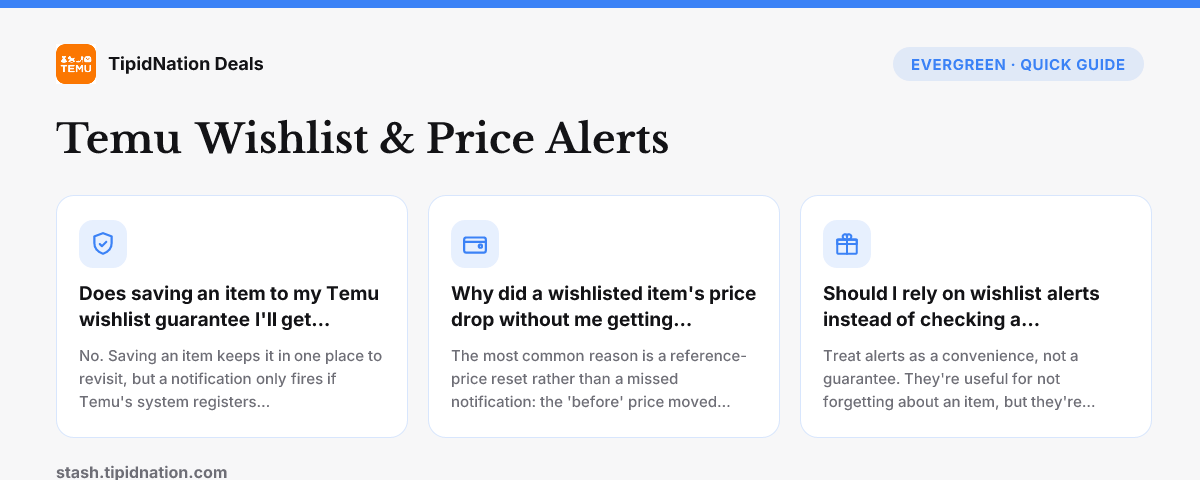
No. Saving an item keeps it in one place to revisit, but a notification only fires if Temu's system registers a qualifying price change on that specific listing. An item can sit on a wishlist for weeks with no alert simply because its price hasn't moved enough to trigger one, not because the feature is broken.
The most common reason is a reference-price reset rather than a missed notification: the 'before' price moved too, so the system may not register it as the kind of drop that qualifies for an alert. App notification settings being off, or a cart-level coupon discount that isn't reflected in the listing's own price, are the other two usual explanations.
Treat alerts as a convenience, not a guarantee. They're useful for not forgetting about an item, but they're not an audited price-tracking tool, so a manual check right before you buy, especially around a named sale window, still catches drops and resets that a notification alone might miss.
None of this changes what’s live right now, the current bundle coupon is still active on the United States country page and every other market Stash covers. For the full redemption walkthrough, see how Temu coupon codes work, and broader questions beyond wishlist behavior are covered in the Temu Coupon Code FAQ.